
DONT LOOK BACK How to Redeem Codes
Practical redeem steps for when official codes finally drop — and how to spot fakes now.
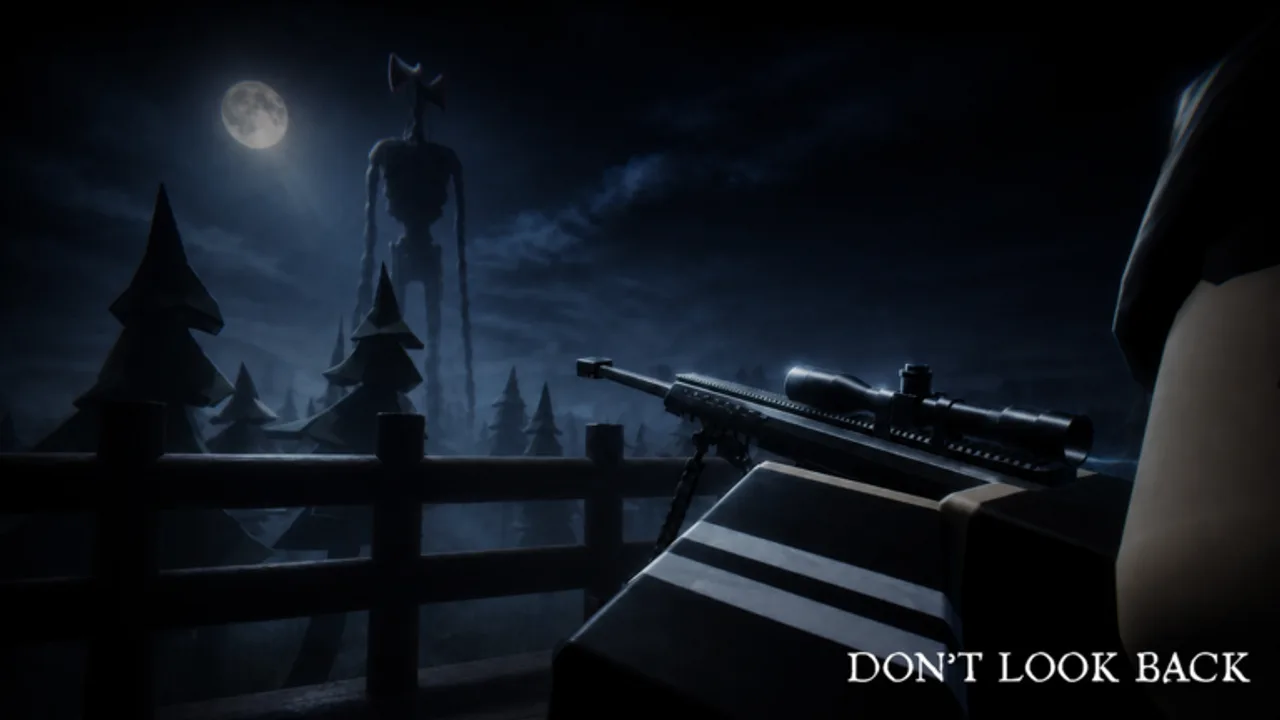
DONT LOOK BACK is still in pre-alpha, and no official promo codes are published yet. This page explains how redemption usually works on Roblox survival titles, what to expect inside Manul Studio’s experience when codes arrive, and how to avoid fake-code traps while you wait.
For the live list (currently empty on purpose), stay on the Codes Hub. For paid value that already exists, use the game passes guide.
What “redeem” means in Roblox games
Most experiences either:
- Open an in-game Codes / Twitter / Rewards panel with a text box, or
- Use a shop NPC / tablet UI that accepts a string, or
- Tie rewards to group membership instead of typed codes
Until Manul Studio ships a clear redeem UI, do not trust external websites that ask you to “verify on Roblox” outside the official client. Real rewards should credit inside DONT LOOK BACK after you enter a code in-game.
Likely redeem flow (when codes appear)
When an official code is posted, expect a flow close to this:
- Join DONT LOOK BACK from the Roblox client.
- Look for a Codes button on the HUD, pause menu, shop tablet, or lobby board. Controls tips already appear in the bottom-right — scan nearby UI labels the same way.
- Type the code exactly as published (spaces, capitalization, and hyphens matter).
- Confirm the prompt. Watch for cash, scrap, gear, or a temporary buff toast.
- If nothing happens, rejoin once after a patch — pre-alpha redeem hooks sometimes lag a deploy.
We will update these steps with screenshots and exact button names the moment a real UI ships. Until then, treat any “click this Google form to redeem” flow as unsafe.
Fake-code warnings you should take seriously
Scammers recycle the same patterns across Roblox horror and survival games:
- Generator sites promising free Robux, infinite scrap, or “admin gun” after a survey
- Discord bots that DM “verify” links stealing session cookies
- YouTube comment codes that are actually phishing URLs
- Lists mixing real pass names (M82, M16A4, Peacemaker) with invented free strings
- “Early access exclusive” codes sold in private servers
If a code demands your password, authenticator code, or a browser extension, stop. Manul Studio will never need those to grant a promo reward.
Also ignore codes copied from other games. A working string from a different experience will not magically work here, and posting it as “DONT LOOK BACK codes” is how fake hubs farm clicks.
What to do instead of hunting fake codes
Your time is better spent on the day/night loop:
- Day: loot scraps, clear objectives, sell, buy gear
- Night: face a random threat set — avoid or fight — and hold until dawn
Build habits with Getting Started, Survive the Night, and the night prep checklist. If you spend Robux, compare options on the gamepass picker and provisional weapons tier list.
Playstyle pages help too: stealth players rarely need code crutches; fighter players care more about weapon passes and stamina than promo strings.
Codes, insurance, and lost items
Remember that shop systems already include developer products like Recover Lost Items and Reset Objectives. Those are paid recovery tools, not codes. Scrap Insurance is a pass that changes how scrap loss feels — again, not a redeem string. Confusing these categories is how misleading “free everything” lists get written.
Track shop changes on the Updates Hub and pre-alpha status pages, because prices and product names can shift during early development.
Checklist when a real code drops
- Confirm the source: game page, Manul Studio group, or in-game banner.
- Redeem in the official experience only.
- Note the reward and whether it is account-bound or server-session only.
- Report dead codes so this wiki can mark them expired on the Codes Hub.
- Never share account credentials if a “code support” stranger DMs you.
Cross-links for the rest of your session
- Codes Hub — live status
- Game passes — Barrett M82, M16A4, Peacemaker, utilities
- Tier List Hub — provisional rankings
- Links Hub — official Roblox destinations only
- Scripts safety — why “code + executor” packs are a red flag
Stay patient. An empty codes list is a feature of honesty, not a missing page. When Manul Studio publishes a real string, redeem it in-client, keep your account locked down, and come back here for verified details.
Frequently Asked Questions
Quick answers for DONT LOOK BACK players.
Can I redeem DONT LOOK BACK codes on a website?
No. Only trust an in-game redeem box inside the official Roblox experience. External “redeem” sites are commonly phishing.
Why are there no redeem screenshots yet?
No official promo codes or confirmed redeem UI details are published for this pre-alpha. We will add exact steps when they exist.
What if a code does nothing after I type it?
Check spelling, confirm it was posted officially, then rejoin after a patch. Pre-alpha updates can temporarily break reward hooks.
Are Recover Lost Items or Reset Objectives codes?
No. Those are developer products with Robux prices. They are shop tools, not promo redeem strings.